Here's something nobody tells you when you start job hunting: your CV probably never reaches a human being.
It gets uploaded, scanned by software, and quietly archived — never opened, never read. The recruiter never even knows you applied.
This isn't a rare edge case. Most mid-to-large companies use Applicant Tracking Systems (ATS) to handle hundreds of applications. These systems read your CV like a machine, not a person. Formatting that looks great on screen can become invisible noise to a parser. Keywords that don't exactly match the job description get ignored.
The good news: once you understand how ATS works, it's very fixable. This guide covers everything you need — the rules, the formatting, AI prompts that actually work, and how to verify your CV before sending it. For the full picture of what an ATS is and isn't doing behind the scenes, see What Is an Applicant Tracking System (ATS)?
What ATS actually does to your CV
An ATS doesn't read your CV the way a recruiter does. It:
- Parses your text — extracts your name, contact info, work history, education, skills
- Matches you against keywords — compares your content to the job description's language, as a literal text search in most systems, not an AI quality score
- Organizes candidates for the recruiter — searchable and filterable by keyword, so poorly parsed resumes are effectively invisible even though no one actively rejected them
The problem is step 1. If the parser can't extract your information correctly, steps 2 and 3 don't matter — you're already out. This is why a beautifully designed CV with columns, icons, and graphics can become unsearchable. The machine can't read it.
The 5 formatting rules that matter most
These aren't opinions — they're what breaks ATS parsing in practice.
1. No columns, no tables, no text boxes
This is the biggest one. A two-column layout looks clean to humans but confuses most parsers — they read left-to-right across the full width, mixing your job title with your education dates. Stick to a single-column layout.
Same with text boxes and tables: content inside them is often completely missed by older ATS software.
2. Use standard section headings
Don't get creative with section names. "Where I've Worked" is clever; "Work Experience" is what the ATS is looking for. Stick to: Work Experience, Education, Skills, Summary. These are the labels parsers are trained to recognise.
3. Fonts and symbols
Use common fonts — Calibri, Arial, Georgia, Times New Roman. Avoid special characters, icons, or bullet symbols that aren't standard (some ATS convert them to garbage characters). A simple dash or bullet point works fine.
4. Save as .docx or plain PDF
.docx files are the safest for ATS. PDFs can work, but only if they're text-based — not scanned images. Never submit a CV as a photo or image file.
5. Keywords must be exact, not paraphrased
If the job description says "project management," your CV needs those exact words — not "managing projects" or "project oversight." ATS systems match strings, not meaning. Read the job description carefully and mirror its language where it's true for your experience.
The AI prompt method (what actually works in 2026)
Using AI to adapt your CV has become standard practice among people who get callbacks. The trick is being specific in your prompt. Vague prompts give vague output.
Here are four prompts worth bookmarking:
For optimising an existing CV
"I'm applying for a [Job Title]. Rewrite my resume below to improve clarity, use strong action verbs, and align with common keywords for this role. Make sure it's clean, ATS-friendly, and easy to parse. [Paste resume]"
For checking formatting issues
"Please review my resume for formatting issues like tables, graphics, or unusual symbols that could break ATS parsing. Suggest layout improvements while keeping it professional and modern. [Paste resume]"
For new graduates with limited experience
"I recently graduated from [University] with a degree in [Major]. During my studies, I completed an internship at [Company] where I [key responsibilities and achievements]. I'm applying for an entry-level [Job Title] role. Generate a tailored, ATS-friendly resume that highlights: relevant coursework, internship experience, soft skills, quantifiable accomplishments, and keywords from this job description: [Paste JD]. Use a clean, single-column layout that won't break ATS."
You can strengthen this by adding: clubs or leadership roles, capstone projects, certifications, or bootcamp completions.
For experienced professionals without a polished CV
"I have [X] years of experience in [Industry]. I've worked at [Company A] as [Job Title] from [Date] to [Date], where I was responsible for [responsibilities and achievements]. I hold a [Degree] from [University]. I'm applying for [Target Job Title]. Create a professional, ATS-optimised resume from this information. Highlight accomplishments with metrics, use a clear chronological structure, include a skills section, and write a concise summary at the top. Format for ATS: no graphics, no columns, simple bullet points."
These prompts take five minutes. The difference in output quality between a generic "fix my resume" and one of these specific prompts is significant.
The part most people skip: verifying your CV
Writing an ATS-friendly CV is one thing. Knowing whether it actually passes is another.
Most people apply and wait. If they don't hear back, they assume it's competition. But often the problem is invisible — a formatting issue that broke parsing, or a keyword mismatch that dropped their score.
HAIRED's ATS checker analyses your CV against a job description and gives you:
- An ATS compatibility score
- The exact keywords you're missing
- Section-by-section feedback on what's hurting your score
It's the difference between guessing and knowing. You upload your CV, paste the job description, and in about 30 seconds you see exactly where you stand — and what to fix.
Which Tool Should You Use for Your Situation?
Already have a CV and just want to check it against a specific job? Use the CV ATS Checker above — free, no account required.
Starting from scratch, or your CV is outdated? Use the Resume Builder — it generates an ATS-correct structure from the start instead of fixing formatting after the fact.
Have an up-to-date LinkedIn profile but no CV? Export your LinkedIn PDF and upload it to the same Resume Builder — the AI restructures it into an ATS-compliant document without you re-typing your work history. See the full LinkedIn import guide for the exact steps.
Applying to several different roles? Use Job Match to automatically re-tailor your CV's keywords to each specific job description — the single change that affects callback rate the most, per the ATS data above.
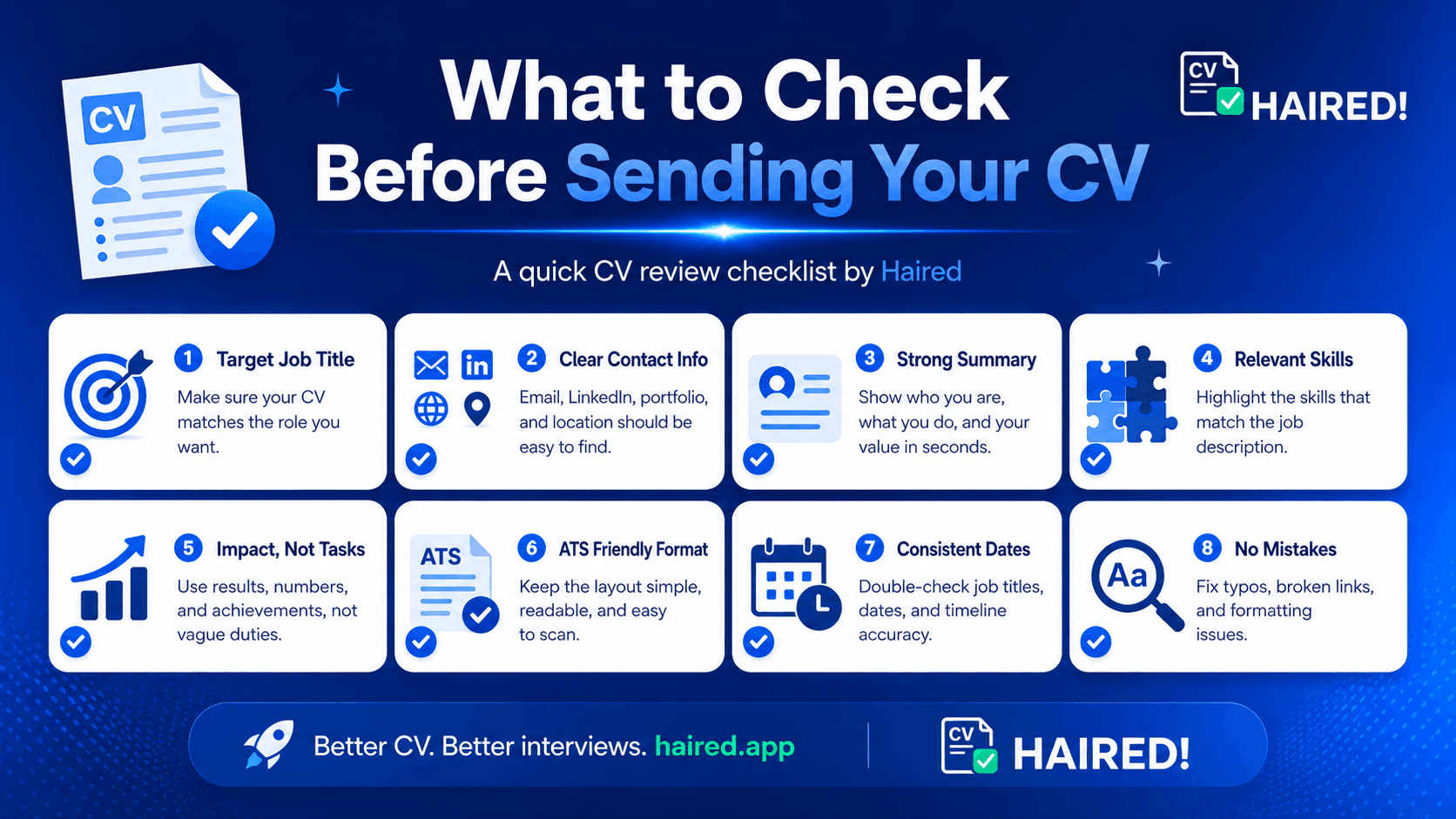
A quick checklist before you apply
Before hitting submit on any application, run through this:
- Single-column layout (no tables, no text boxes)
- Standard section headings (Work Experience, Education, Skills)
- Common font, no special symbols
- Saved as .docx or text-based PDF
- Keywords from the job description appear verbatim
- Each bullet point starts with an action verb
- Quantified achievements where possible (%, £, numbers)
- ATS score checked against the specific job description
The honest truth about ATS
ATS doesn't mean you need a boring CV. It means you need a CV that a machine can read before a human reads it. Once you pass the filter, the human part of your application still matters — your story, your tone, your specific achievements.
Think of ATS optimisation as the entrance exam. You don't write your entire personality for the entrance exam — you write what gets you through the door. Then you show the rest.
Get through the door first.
Frequently asked questions
Does every company use ATS? Most companies with more than 50 employees do. Startups and small businesses often don't — but there's no harm in submitting an ATS-friendly CV to either.
Will an ATS-optimised CV look bad to humans? No. Clean formatting, clear sections, and relevant keywords make CVs easier to read for humans too. There's no trade-off.
How many keywords should I include? Don't count — just read the job description carefully and make sure the skills you actually have are expressed in the same language as the job posting. Two or three exact-match phrases per section is usually enough.
Is a one-page CV better for ATS? Length doesn't affect ATS scoring. One page is generally better for under five years of experience; two pages is fine for more. Don't cut relevant content just to fit one page.
Can I use ChatGPT to rewrite my whole CV? You can, but review everything it produces. AI tends to add generic phrases and sometimes fabricates job titles or achievements. Use it to restructure and sharpen — not to invent.
