An Applicant Tracking System (ATS) is software companies use to collect, parse, and organize job applications — it extracts your name, contact details, job titles, dates, and skills into structured fields so recruiters can search and filter candidates. It is not, in most companies, an AI that automatically rejects your resume based on quality. That distinction matters more than almost anything else in this guide, because most of the advice circulating online is built on the second, incorrect assumption.
This is a breakdown of what an ATS actually does, how it reads a resume line by line, the exact formatting that gets parsed correctly versus mangled, and how to check your own resume before you submit it.
How Does an ATS Actually Scan Your Resume?
When you upload a resume through an online application portal, it goes through a process called parsing: the ATS extracts the raw text from your file and attempts to sort it into fields — name, email, phone, most recent job title, employer, dates, skills — based on patterns it recognizes in the document's structure.
This is where formatting matters more than wording. The parser reads roughly left to right, top to bottom, the same way a plain text file would read. A single-column resume with a clear heading before each section ("Experience," "Education," "Skills") parses cleanly because the structure matches what the software expects. A two-column resume — contact info and skills in a left sidebar, experience on the right — often gets read out of order, because the parser doesn't understand visual columns, only a linear stream of text.
Once parsed, your data sits in the ATS database as structured fields. Recruiters then search that database — by keyword, by years of experience, by location — the same way you'd search a spreadsheet. If your resume was parsed correctly, it shows up in the right searches. If it wasn't, the recruiter searching for "Salesforce" might never see a resume that mentions Salesforce five times, simply because that text landed in a field the ATS couldn't read.
Does an ATS Automatically Reject Resumes?
No — not autonomously, and not based on resume quality, in the large majority of companies. This is the single most misunderstood part of how ATS software works, and it's worth being direct about it: the "75% of resumes are rejected by ATS bots before a human sees them" claim that circulates constantly online does not hold up against how these systems are actually configured. Our companion piece on the ATS rejection myth goes through the recruiter-sourced data in full — the short version is that 92% of surveyed recruiters confirmed resumes are not auto-rejected by AI scoring.
What an ATS does apply are hard filters the employer explicitly sets — minimum years of experience, a required certification, work authorization status, location. A candidate who doesn't meet a hard filter may be automatically screened out of that specific search or flagged as not meeting requirements. That is different from an algorithm reading your resume and deciding it isn't good enough — the hard filters are binary yes/no rules set by a human, not a quality judgment made by the software.
The practical implication: formatting your resume so it parses correctly matters because it determines whether you show up in the right searches and whether your information displays correctly to the recruiter who opens your file — not because you're trying to out-think a scoring algorithm. There usually isn't one.
What ATS Resume Format Actually Passes?
This is the part you can act on directly. Based on HAIRED's analysis of 10,000+ resumes submitted through our platform, 73% had at least one critical ATS parsing error — here's what caused most of them, and how to avoid each one.
Use a single-column layout. Multi-column resumes — a sidebar for skills or contact info next to a main experience column — are the most common cause of parsing failures. The safest test: copy your resume's text, paste it into a plain text editor, and confirm it reads coherently top to bottom. If sections are jumbled or interleaved, your layout needs to change.
Keep contact information in the body, not a header or footer. Many resume templates place your name and contact details in a styled header block. Some ATS parsers treat headers and footers as non-body content and skip them entirely — in our dataset, this caused contact information to disappear from the parsed result in 9.4% of cases. Put your name, phone, email, and location in the main body of the document, at the top, not in a header field.
Use standard section headings. "Experience," "Education," "Skills," and "Summary" are recognized reliably. Creative alternatives ("My Journey," "What I Bring") read fine to a human but can fail to map correctly in older ATS platforms that pattern-match on expected section names.
Avoid tables, text boxes, and graphics for skill levels. A skills table or a set of icon-based proficiency bars can render as garbled or missing text to a parser, even though it looks clean to a human reader opening the same PDF.
Match the exact keyword language of the job posting. ATS keyword matching in most systems is literal string matching, not semantic understanding — "project management" and "managed projects" are not read as equivalent. In HAIRED's dataset, 58% of resumes had a keyword match rate below 40% against the job they applied for, and resumes matching 70%+ of a posting's keywords received callbacks at 5.8x the rate of those below 40%.
What Are the Most Common ATS Platforms?
The specific platform an employer uses rarely changes what you should do — clean, single-column formatting works across nearly all of them — but recognizing the name in a job posting's URL or confirmation email can tell you what to expect.
Workday is the most widely used ATS among large enterprises. Parsing is generally reliable for clean PDFs, and applications are typically reviewed in the order received.
Greenhouse and Lever are common at tech companies and startups. Both have modern, well-maintained parsers that handle standard-format PDFs well.
iCIMS and Taleo are prevalent in large corporate and public-sector environments. These are older platforms, and Taleo in particular is stricter about non-standard formatting — this is where a plain, conservative layout matters most.
ADP and SAP SuccessFactors are common in mid-size to large companies, including many with international offices. Parsing is solid but hard filters tend to be applied strictly.
None of these require a different resume strategy — the formatting rules above apply consistently across all of them. The platform name mostly tells you how strict the hard filtering is likely to be, not what format to use.
How Do You Check If Your Resume Is ATS-Friendly?
Two ways, from fastest to most precise:
The plain-text test. Select all the text in your resume PDF and paste it into a bare text editor (Notepad, TextEdit — not a word processor). If it reads in a coherent, logical order — contact info, then summary, then each job in sequence, then education, then skills — your formatting is very likely ATS-safe. If sections are scrambled or missing, that's the specific problem to fix before anything else.
An ATS resume checker. HAIRED's CV Analyzer scans an uploaded resume file directly and returns specific, actionable feedback — not just a pass/fail score, but exactly which formatting elements and keyword gaps to fix. It's free to run, with no account required.
ATS Resume Checklist
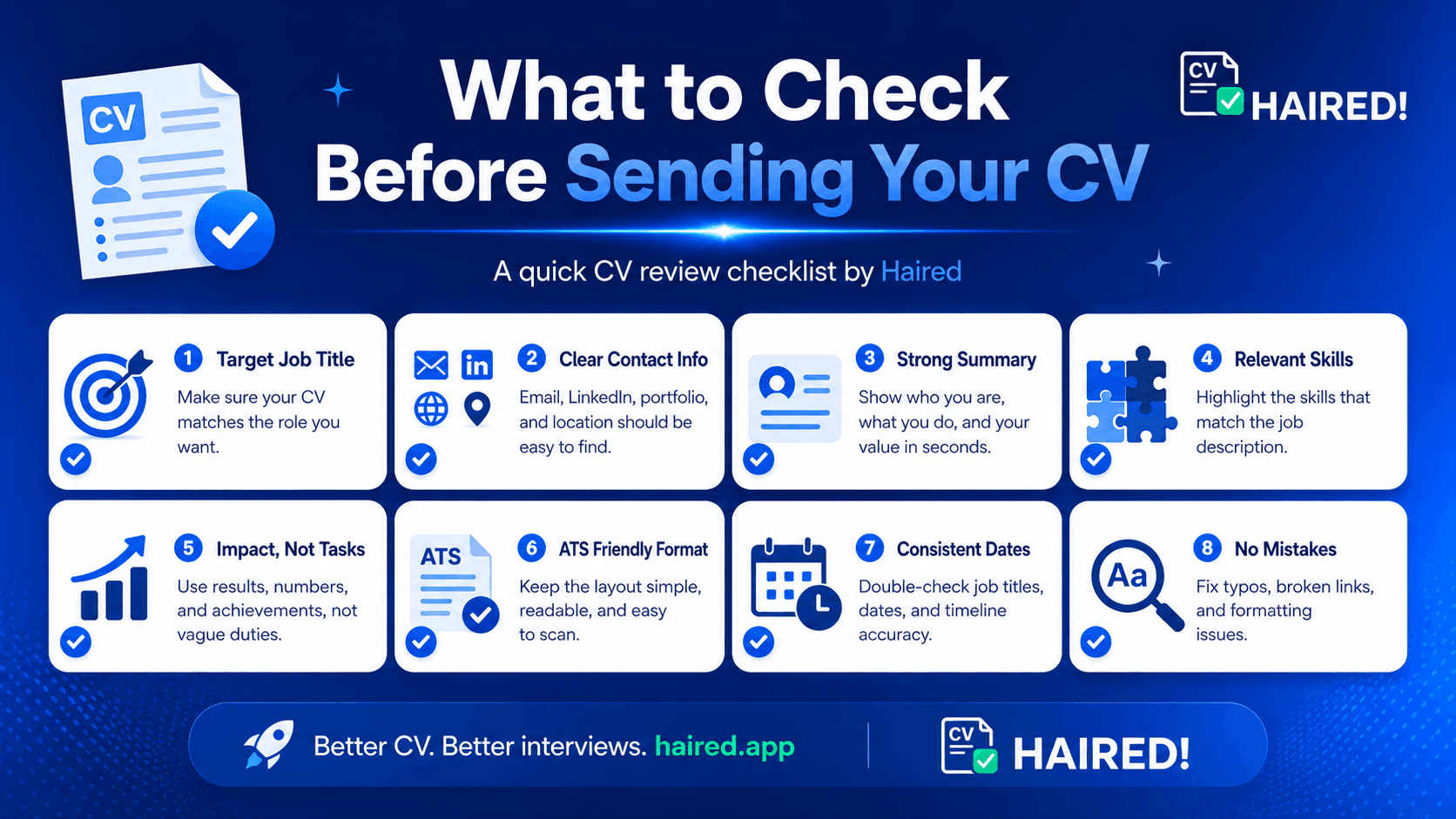
- Single-column layout, no tables or text boxes
- Contact information in the body, not a header or footer
- Standard section headings (Experience, Education, Skills)
- No graphics or icon bars for skills or proficiency levels
- Keywords from the job posting appear in your resume, in the same phrasing
- Plain-text test passed — the resume reads coherently top to bottom
- File format matches what the application portal expects (PDF unless DOCX is requested)
Want to check a specific resume against these rules? Run it through HAIRED's CV Analyzer — free, no account required — for a formatting and keyword breakdown specific to your document.
